
How to Make a Gangnam Dance AI Video
Updated October 23, 2026
Quick answer
Sign in, buy a credit pack, open the studio, pick Trio (three photos), Horse (one full-body photo) or Pet (one cat or dog photo), choose 480p or 720p and press Generate. The finished MP4 carries an original AI instrumental — add "Gangnam Style" from the platform's audio library when you post.
What You Need
- The right photos — Trio takes three separate photos (you CENTER, friend LEFT, friend RIGHT, one clear adult each); Horse takes one head-to-toe adult shot; Pet takes one full-body cat or dog. JPG, PNG or WebP up to 10 MB each.
- A GangnamDance account — sign-in is required to upload and generate.
- Credits — Trio 15s uses 510 at 480p / 1140 at 720p; Horse 10s uses 340 / 760; Pet 9s uses 306 / 684. $1 = 100 credits; the $9 pack covers one Trio 480p or two Horse 480p clips.
Step 1 — Pick the Photos
For Trio Selfie: pick three sharp, front-facing photos — one clear adult each, faces fully visible, no sunglasses or mask. Image 1 goes to CENTER (you), image 2 to LEFT (friend), image 3 to RIGHT (friend).
For Horse Dance: a head-to-toe shot of one adult, feet fully in frame. For Pet Dance: a clear full-body photo of one cat or dog, standing or sitting front-facing.
Step 2 — Pick Trio, Horse or Pet
All three modes produce a vertical 9:16 MP4 with an original AI instrumental. They differ in how many photos they take, who gets recast, and the clip length:
| Mode | What it does | Best photo | Credits (480p) |
|---|---|---|---|
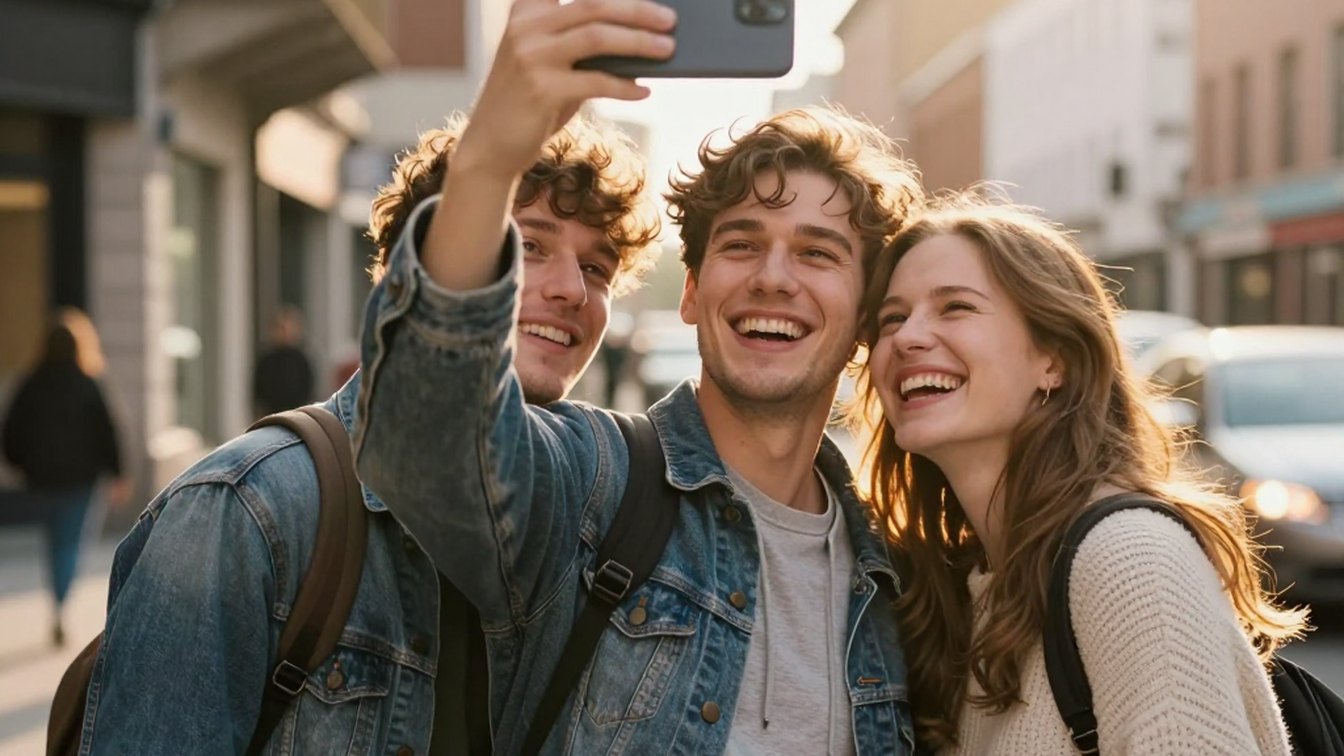
| Trio Selfie | Three photos — you CENTER, friend LEFT, friend RIGHT — recast into a 15 s hand-held street selfie | Three clear single-adult photos, front-facing | 510 |
| Horse Dance | One photo becomes the solo rooftop dancer doing the horse dance — 10 s | One head-to-toe adult shot | 340 |
Step 3 — Generate in the Studio
Open the studio, drop the photos into their slots — CENTER, LEFT, RIGHT for Trio — pick 480p or 720p and hit Generate. Processing time varies; you can close the page and the task keeps running.
When the video is ready, download the MP4. Videos are created private — nothing is posted to a public gallery.
Step 4 — Download and Add the Song
Every export carries an original instrumental AI bed — ready to post as-is. To use the actual song instead, upload the MP4 to TikTok or Reels, tap "Add sound", search for "Gangnam Style" and lower your video's own audio.
The clip is 9:16 vertical, the format TikTok and Reels are built for — no reframing needed.
Step 5 — Post Responsibly
- Mark the video as AI-generated when the platform asks.
- Only use photos of yourself or of people who agreed.
- Don't post real people without their OK — and never photos of minors or public figures.
Photo Do's and Don'ts
Do
- Use a sharp, front-facing photo with even light and the face fully visible.
- For Trio: one clear adult per photo — no two people in the same frame.
- For Horse: get the whole body in, feet included; for Pet: a clear full-body cat or dog.
Don't
- Sunglasses, masks or heavy beauty filters.
- Group shots, strong side profiles or a face smaller than a thumbnail.
- Motion blur, harsh shadows, cropped limbs or photos of minors or public figures.
Troubleshooting
The faces look swapped between slots
Check the photo order — image 1 is CENTER, 2 is LEFT, 3 is RIGHT. If a slot came out wrong, swap the photos and run it again with sharper, more front-facing shots.
I only have one photo
Use Horse Dance — it takes a single head-to-toe photo and recasts you through the solo rooftop routine.
The generation is taking a while
Processing time varies. Follow the task status in the studio — the task keeps running if you close the page.
The result came out blurry
Start from higher-resolution photos with each face well lit and unobstructed, then run it again.
Keep Reading
Gangnam Dance AI Video FAQ
Sign in, buy credits, open the studio, pick Trio / Horse / Pet, upload the matching photos, choose 480p or 720p and press Generate. Download the MP4 and add "Gangnam Style" in TikTok or Reels when you post.